
How Can I Input or Update Measurements?
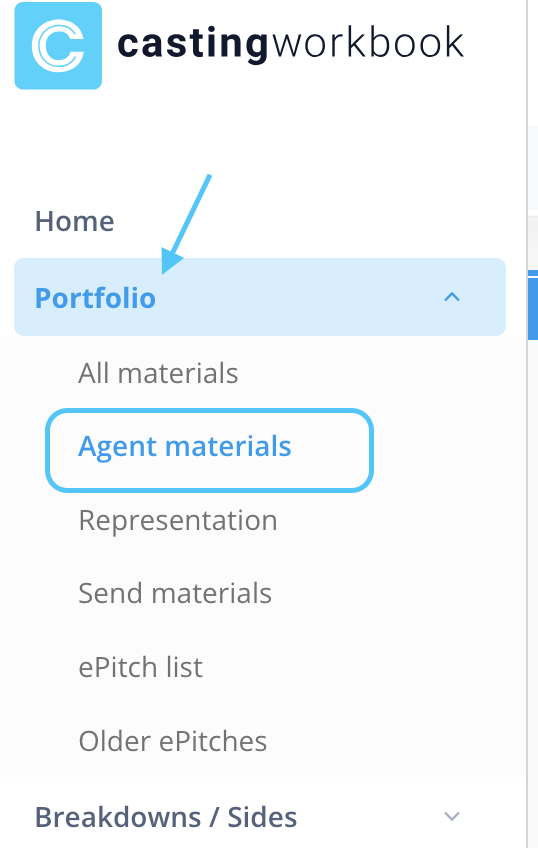
To update your measurements, navigate to Portfolio > Agent Materials:
Once your profile loads (either linked to an Agency or as a Self Represented actor), select Edit > Measurements (which would be found on the blue bar below edit):
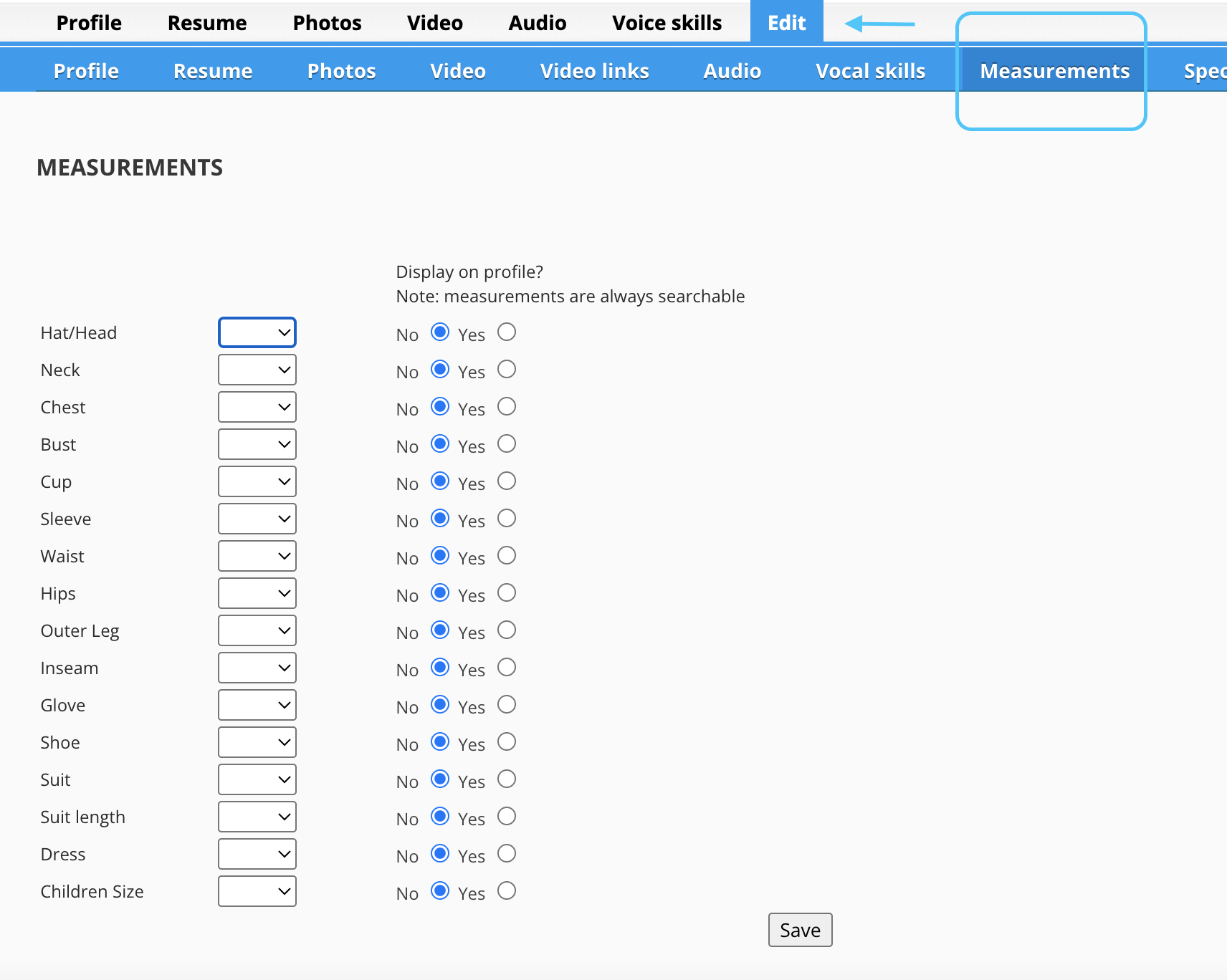
Now you can enter any measurement details, and choose to either display it on your profile, or keep it private to you or your agent.